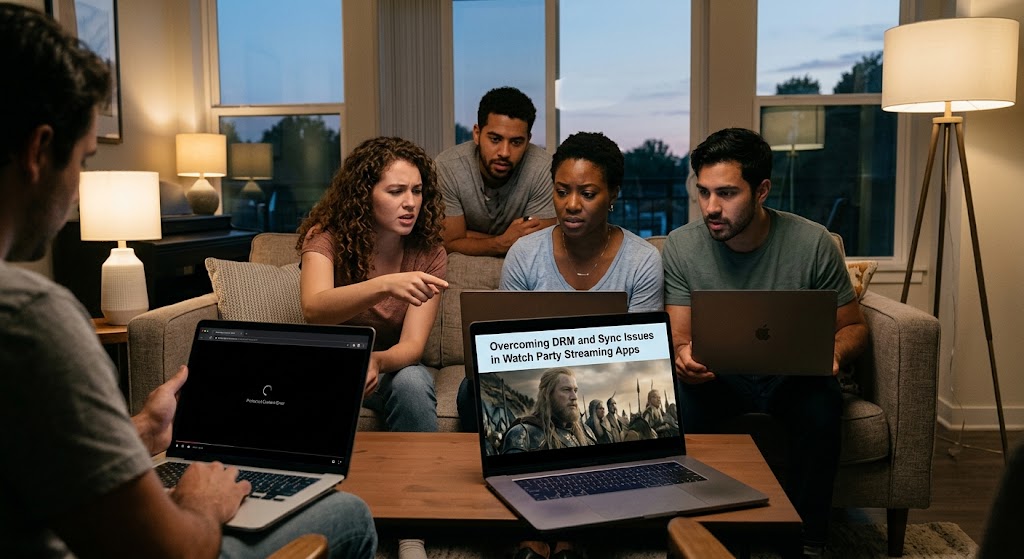
The screen goes black. The chat keeps exploding. Someone asks, “Can you see it?” while the movie continues playing perfectly on your friend’s laptop. That awkward moment is exactly why watch party streaming apps have to work around a complicated technical boundary. Premium platforms protect video with DRM, while your watch-party tool needs everyone to reach the same timestamp without copying the protected video itself.
The smart solution isn’t a DRM bypass. It’s a synchronization layer that tells each participant’s own browser when to play, pause, seek, or catch up.
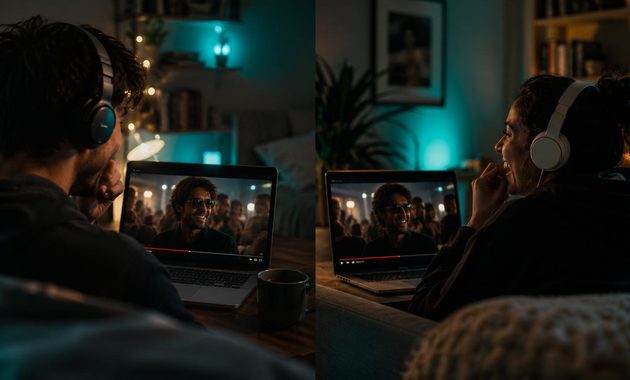
1. Watch Party Streaming Works Better When DRM Stays Untouched
A common misconception is that a watch-party extension somehow grabs the movie and sends it to everyone. That’s exactly the architecture you don’t want.
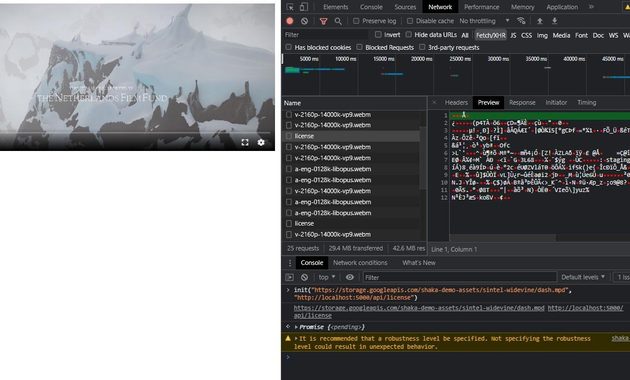
Modern browsers provide the Encrypted Media Extensions API for protected media. It connects the video element with a content-decryption module and the appropriate media keys, allowing the browser to handle protected playback without exposing the underlying content to an ordinary webpage script.
Digital Rights Management Is the Locked Door
Digital rights management exists to control how copyrighted media is played. Netflix, for example, explicitly describes DRM as software used to protect copyrighted material from piracy.
That’s why a screen-sharing attempt can produce the dreaded black rectangle.
Netflix also states that AirPlay and screen mirroring aren’t supported for its protected playback, while some hardware problems involving HDCP can prevent protected content from displaying.
The practical lesson is simple:
- Don’t capture the protected video.
- Don’t redistribute decrypted frames.
- Don’t attempt to defeat HDCP or DRM controls.
- Let every participant use an authorized account and playback session.
Playback Synchronization API Is the Smarter Layer
A proper playback synchronization API conceptually sits beside the video rather than inside the protected stream.
Imagine the host presses Play.
The service can communicate an instruction such as:
Play at timestamp 18:42.
Each participant’s browser then controls its own authorized player.
Teleparty describes its service in much the same practical way, saying it synchronizes video playback across supported streaming services and adds group chat.
That architecture is considerably cleaner than screen mirroring because the actual movie doesn’t have to travel through the watch-party server.
Encrypted Video Delivery Changes the Rules
With encrypted video delivery, the stream reaching each viewer remains protected by the platform’s playback system. The watch-party layer doesn’t need to know the movie’s decrypted frames.
That separation is important for both security and compatibility.
If a platform changes its DRM implementation, a third-party extension may suddenly stop working even though the basic synchronization concept hasn’t changed.
Why a Screen Mirroring Block Isn’t Really a Bug
A screen mirroring block can look like an application failure, but it may actually be deliberate content protection.
Netflix’s current troubleshooting guidance confirms that unsupported mirroring, device connections, browser settings and HDCP compatibility can all affect protected video playback.
So if the movie disappears when you share your screen, don’t immediately start hunting for a “DRM bypass” extension. That’s usually the wrong direction.
2. Fix Sync Problems Without Fighting the Streaming Platform
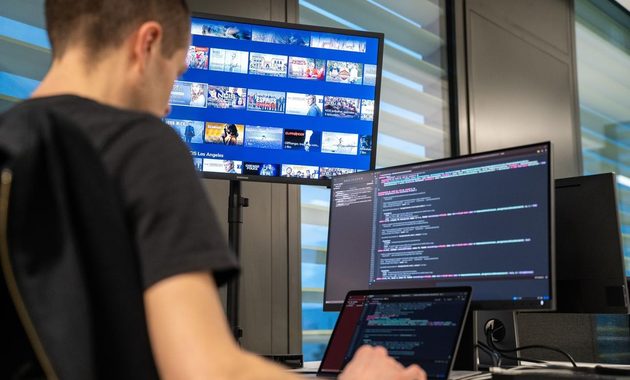
Once DRM is left alone, synchronization becomes much easier to reason about.
A watch-party system normally needs to track several basic states:
- Playing or paused
- Current playback position
- Playback rate
- Host or controller state
- Participant connection status
The challenge is latency.
If Alice presses pause at 20:15.200 but Bob receives the command 400 milliseconds later, they’re already out of sync.
A good implementation therefore needs to measure timing rather than simply shouting “pause!” across the internet.
Use the Host as the Reference Clock
The host can provide the authoritative playback state.
For example:
Host timestamp: 00:20:15.200
Playback state: playing
Playback rate: 1.0
A participant calculates how far its local player has drifted and corrects it.
Small differences can be handled with subtle playback-rate adjustments rather than an obvious jump.
Teleparty’s own YouTube watch-party documentation says users don’t need to press play simultaneously because its system keeps playback synchronized automatically.
Don’t Resync Every Second
Constant hard seeking would make the movie feel broken.
A better strategy is to establish tolerance.
For example:
- Under 250 ms drift → leave it alone.
- Moderate drift → slightly adjust playback rate.
- Large drift → seek to the host position.
- Reconnection → request the latest authoritative state.
Those numbers aren’t universal requirements. They’re practical engineering thresholds that should be tuned according to the service and browser.
Handle Pauses and Seeking as Events
Instead of continuously transmitting the entire player state, send meaningful events:
PLAY → PAUSE → SEEK → RATE CHANGE
Each event can include a timestamp generated by the synchronization system.
That reduces unnecessary traffic while making state recovery easier.
Test the Ugly Cases
A watch party isn’t truly tested until someone has:
- throttled their internet,
- switched tabs,
- paused for five minutes,
- reconnected Wi-Fi,
- joined late,
- refreshed the browser,
- changed playback quality.
The boring edge cases are where synchronization systems usually reveal their weaknesses.

3. A Reliable Watch Party Setup Starts With Supported Playback
The easiest way to avoid hours of frustration is to design around what the streaming service actually supports.
For example, Netflix recommends updating browsers, checking protected-content settings and resolving device or connection problems when protected video fails. Its Chrome troubleshooting also specifically references the Widevine Content Decryption Module.
For participants, the checklist is refreshingly simple:
- Use a supported browser.
- Log into the streaming service normally.
- Make sure the title plays before joining the party.
- Keep protected-content playback enabled.
- Avoid unsupported screen mirroring.
- Disable extensions that interfere with playback.
- Keep the browser updated.
This approach matters because watch party streaming should coordinate legitimate playback, not replace it.
If you’re also curious about unusual viewing setups, such as whether premium content can be experienced through different display formats, this guide to watching movies in 3D gives useful context before experimenting with your setup.
The strongest architecture is therefore surprisingly straightforward:
Streaming service → authorized local player → synchronization layer → group chat
Not:
Streaming service → capture → decrypt → mirror → redistribute
The first respects the platform’s protection model. The second creates unnecessary technical and legal problems.
And that’s the real trick behind a smooth watch party. The best technology is almost invisible. Your friend laughs at the same joke at the same moment, nobody sees a black screen, and nobody has to wonder why the movie suddenly froze.

Riku Aonuma previously worked as a programming researcher for an entertainment media company covering live concerts, esports tournaments, television specials, and cultural events. He has spent more than nine years checking broadcast schedules, comparing viewing platforms, and preparing event guides for online audiences. His articles help readers find legitimate ways to watch live content while understanding time zones, availability, and platform restrictions.