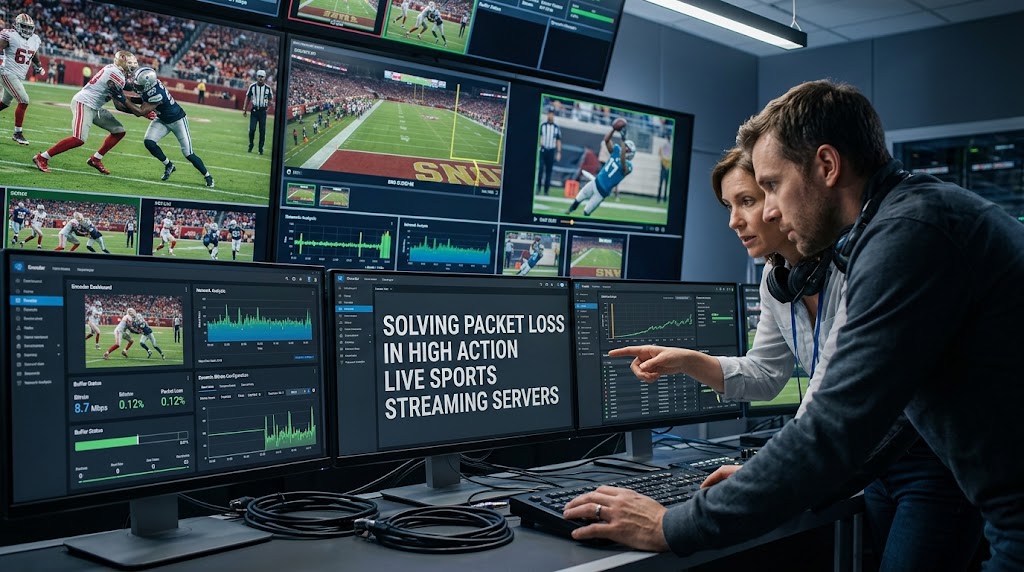
A goal flashes across the screen, the striker breaks through the defense, and then everything starts stuttering. One second you’re watching the attack, the next you’re staring at a frozen frame while thousands of viewers are typing “buffering?” in the chat. In live sports streaming, that tiny network failure can become a very public disaster, especially when fast camera movement and 60 fps video are pushing the delivery system hard.
The fix isn’t simply “buy more bandwidth.” Professional workflows combine encoder control, network monitoring, recovery protocols, and adaptive delivery so a brief network wobble doesn’t become a frozen match.
1. Live Sports Streaming Needs High Velocity Encoding and Dynamic Bitrate Configuration
Fast sports footage is unusually unforgiving. A static interview can survive aggressive compression because much of the frame barely changes. Football, basketball, racing, and esports are different. Players, cameras, score graphics, crowds, and backgrounds can all move at once.

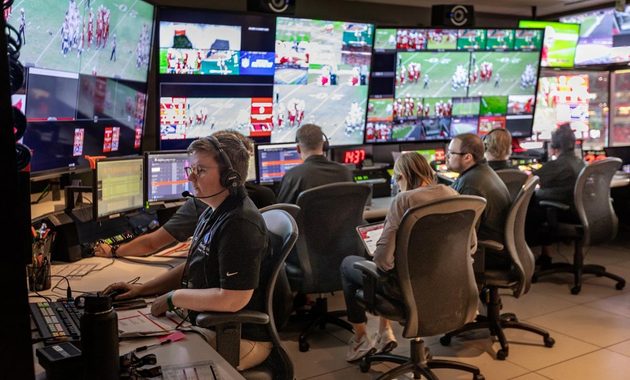
High Velocity Encoding Has a Different Problem
High velocity encoding isn’t simply about choosing the highest bitrate possible. The encoder needs enough processing power to compress rapidly changing frames while maintaining a useful quality-to-bitrate ratio.
A practical production ladder might include:
- 1080p60 for premium viewers
- 720p60 for constrained connections
- 480p30 for lower-bandwidth devices
- A lower emergency rendition when congestion becomes severe
This gives the delivery system room to react instead of forcing every viewer to consume the same heavy stream.
Dynamic Bitrate Configuration Keeps Mobile Viewers in the Game
A dynamic bitrate configuration allows the streaming pipeline to move between quality levels according to available throughput.
This matters enormously on mobile networks. A viewer can move from strong 5G coverage to a congested cell tower without warning.
Modern adaptive streaming architectures package multiple renditions so the player can switch quality when network conditions change. AWS, for example, describes live architectures using adaptive bitrate delivery through HLS, DASH and CMAF.
The important point is that bitrate adaptation happens before a viewer’s connection collapses into buffering.
UDP Protocol Transmission Isn’t Automatically the Enemy
Broadcast contribution often uses UDP-based transport because waiting for conventional delivery acknowledgements can add unwanted latency.
However, raw UDP doesn’t recover missing packets by itself.
That’s why professional systems frequently add a reliability layer such as SRT. Google Cloud currently recommends SRT over RTMP where possible for live inputs because it provides packet-drop recovery and forward-error correction.
Haivision’s documentation likewise describes SRT as bidirectional UDP traffic with mechanisms for recovering from connection problems.
Measure Before Changing the Encoder
Before lowering everything to 720p, check:
- Packet-loss rate
- Round-trip time
- Available channel capacity
- Encoder send-buffer behavior
- Retransmission rate
- CPU or GPU utilization
Haivision specifically recommends measuring RTT, packet loss and channel capacity before tuning SRT latency and bitrate. It also recommends maintaining bandwidth headroom rather than operating directly at the network’s maximum capacity.
2. UDP Protocol Transmission and Packet Loss Prevention Need Recovery Buffers
Packet loss doesn’t always mean viewers will see a glitch.
That distinction is crucial.
With a recovery protocol, a missing packet can be retransmitted before the decoder actually needs it. Haivision’s monitoring documentation notes that many lost packets are recovered through retransmission and therefore don’t necessarily create visible artifacts.
A useful mental model is:
Camera → Encoder → Contribution Network → Ingest → Transcoder → CDN → Viewer
Every connection is another opportunity for congestion.
Packet Loss Prevention Starts With Headroom
Running a stream at 100% of available capacity is asking for trouble.
Suppose a contribution path can reliably provide 20 Mbps. Pushing an 18–20 Mbps stream continuously leaves almost no room for bursts, retransmissions or other traffic.
Haivision recommends a more conservative capacity calculation for SRT and suggests maintaining significant headroom against changing channel conditions.
SRT Latency Is a Trade-Off
More recovery time means better tolerance for packet loss, but it also adds delay.
Haivision’s current documentation states that SRT latency is the receiver buffer reserved for recovering missing packets. If a burst lasts longer than the configured latency, artifacts can still occur.
So don’t blindly increase latency to several seconds.
For a live match, the question is:
How much delay can this production actually tolerate?
A remote contribution feed may tolerate more latency than an interactive esports broadcast.
3. High Velocity Encoding Works Best When Operators Watch the Network, Not Just the Picture
A dangerous misconception in broadcast engineering is that a green encoder dashboard means the stream is healthy.
It doesn’t.
An encoder can be perfectly healthy while its network path is deteriorating.
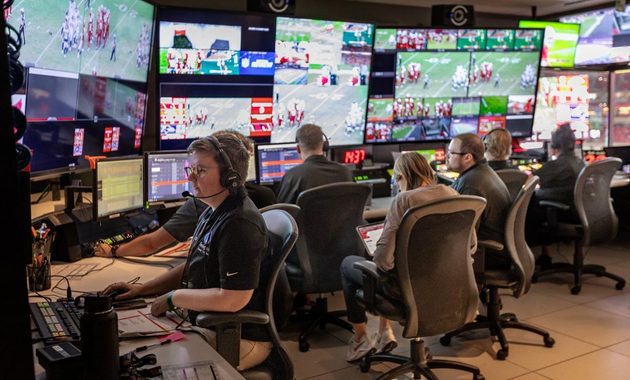
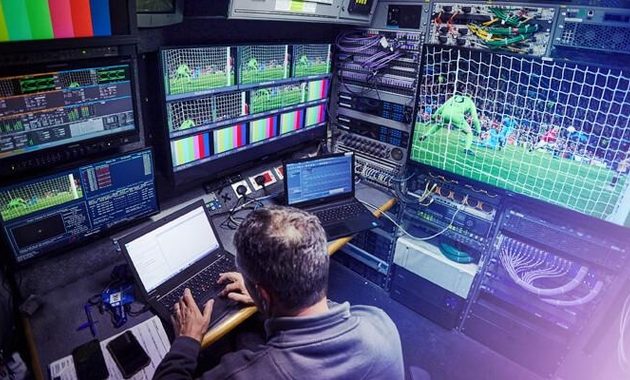
Real-time observability should track the stream while it’s travelling through the network.
Look for:
- Packet-loss percentage
- Jitter
- RTT
- Retransmission rate
- Send-buffer growth
- Decoder-buffer depletion
- Sudden bitrate drops
- Reconnection events
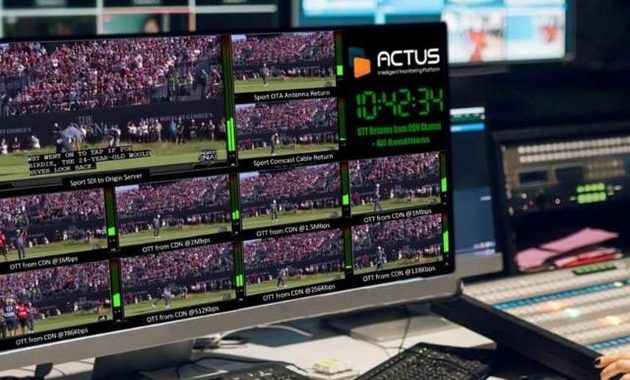
A useful production case comes from sports broadcasting environments where packet-level monitoring can identify exactly which distribution path is experiencing degradation rather than merely showing that “the server is healthy.”
That’s a much better diagnostic approach.
If the problem happens only during peak audience moments, check the distribution layer. If the contribution feed already shows packet loss before transcoding, investigate the venue connection instead.
For broadcasters comparing different ways to distribute sports content, this boxing PPV versus subscription streaming guide is also useful for understanding how the delivery model affects the technical workflow.
The best recommendation is simple: don’t treat packet loss as one universal problem. Locate the hop where it begins.
If loss appears at the encoder’s network interface, changing the CDN won’t help. If the contribution feed is clean but viewers buffer worldwide, the bottleneck is probably further downstream.
And when the match reaches its most chaotic moment, that’s exactly when your monitoring system should become boring.
Boring is good.
A boring dashboard means the goal happened, the replay worked, the bitrate adapted, and nobody noticed the packets quietly fighting their way across the internet.


Riku Aonuma previously worked as a programming researcher for an entertainment media company covering live concerts, esports tournaments, television specials, and cultural events. He has spent more than nine years checking broadcast schedules, comparing viewing platforms, and preparing event guides for online audiences. His articles help readers find legitimate ways to watch live content while understanding time zones, availability, and platform restrictions.